
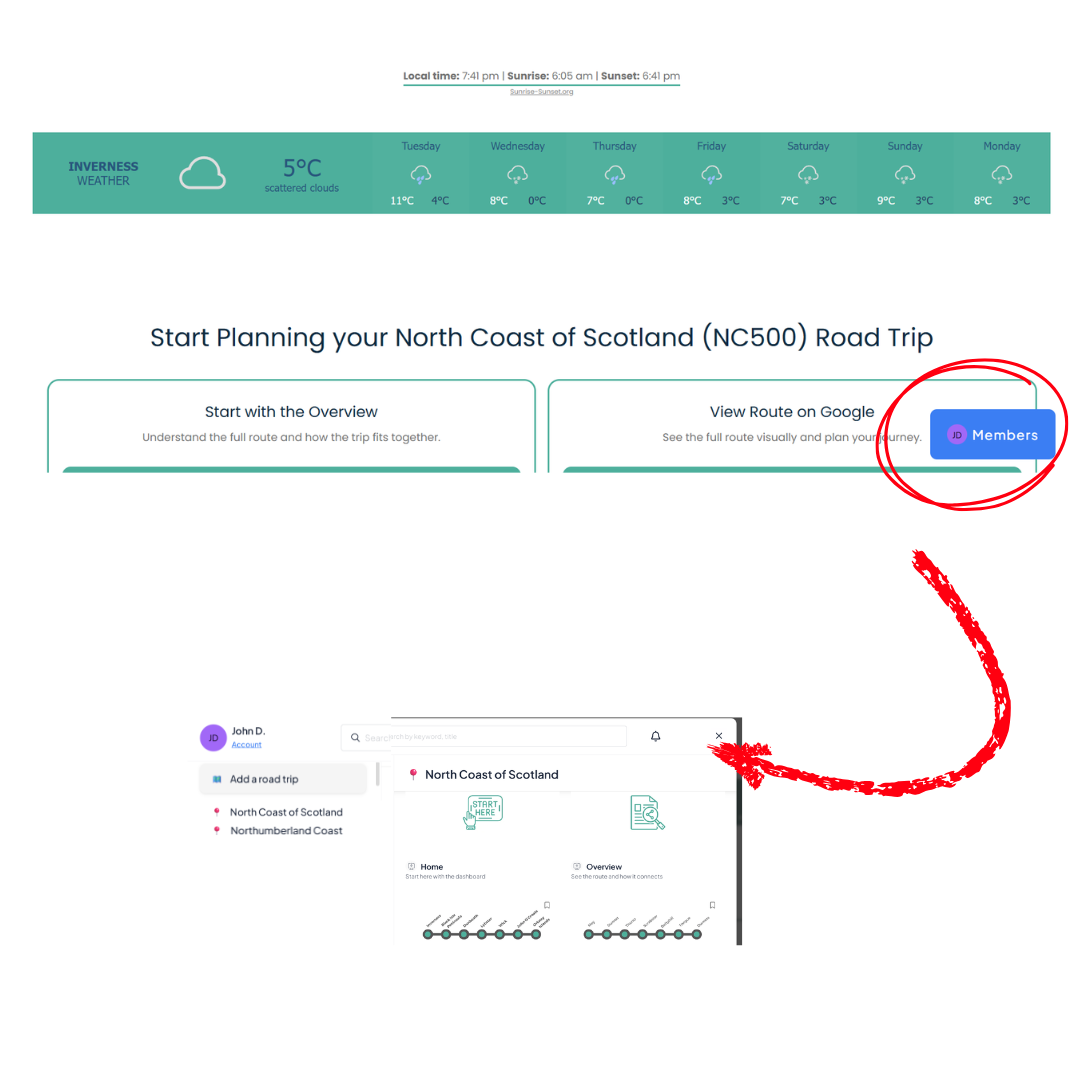
Member Menu
When you are signed in, locate the floating MEMBER MENU button
Use this to navigate to other pages and access your account details
Upon sign-up and login, you are automatically directed to your member guide
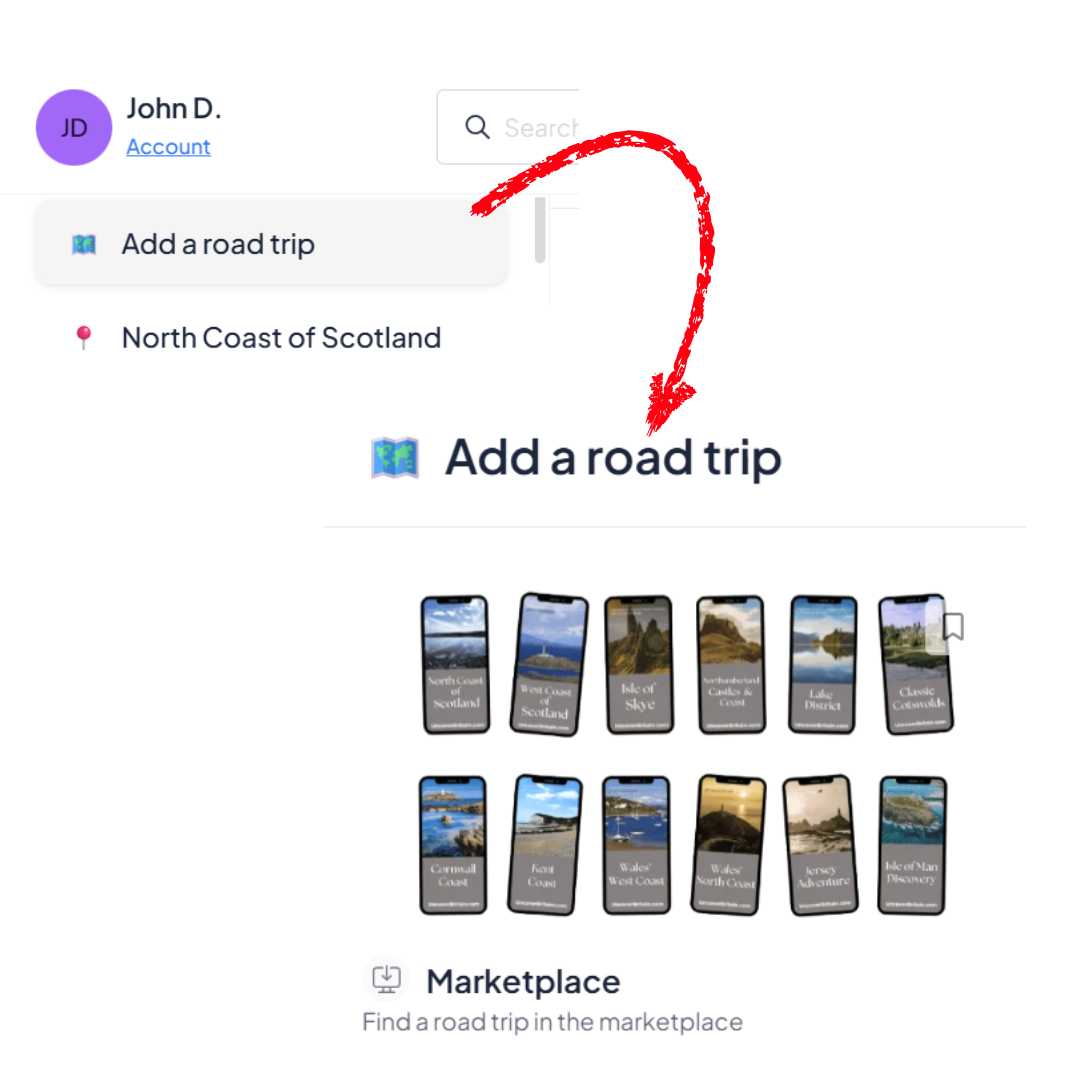
Add more guides
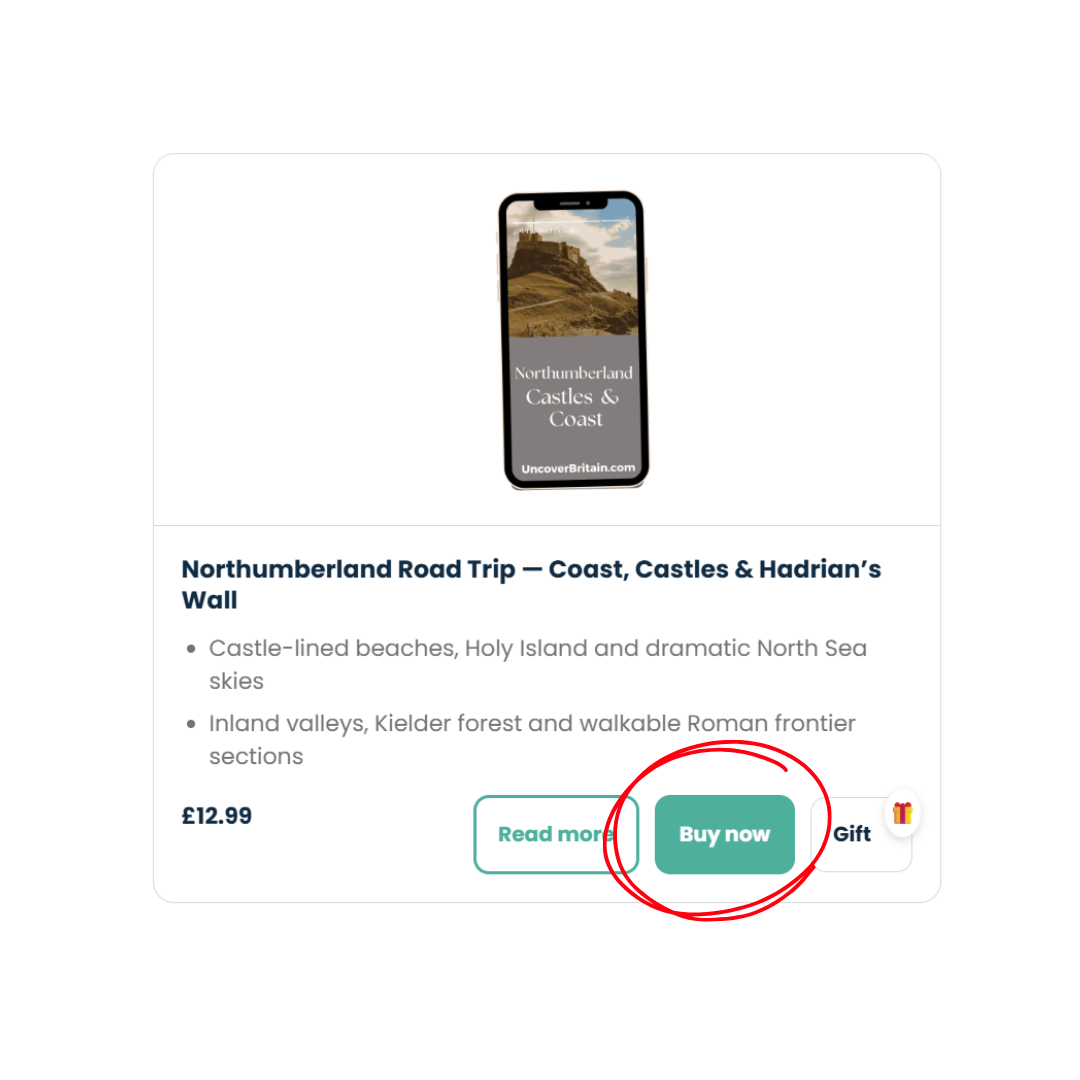
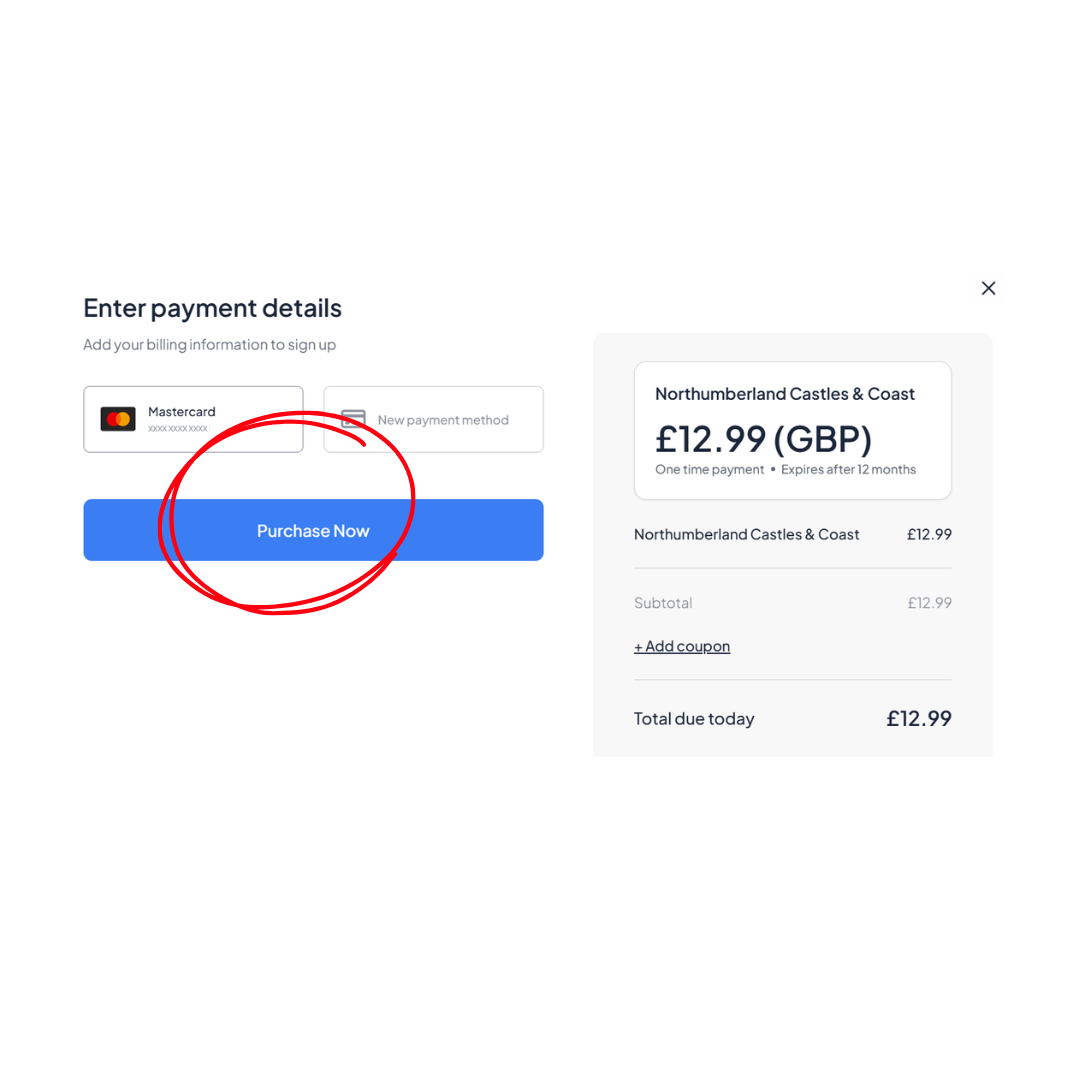
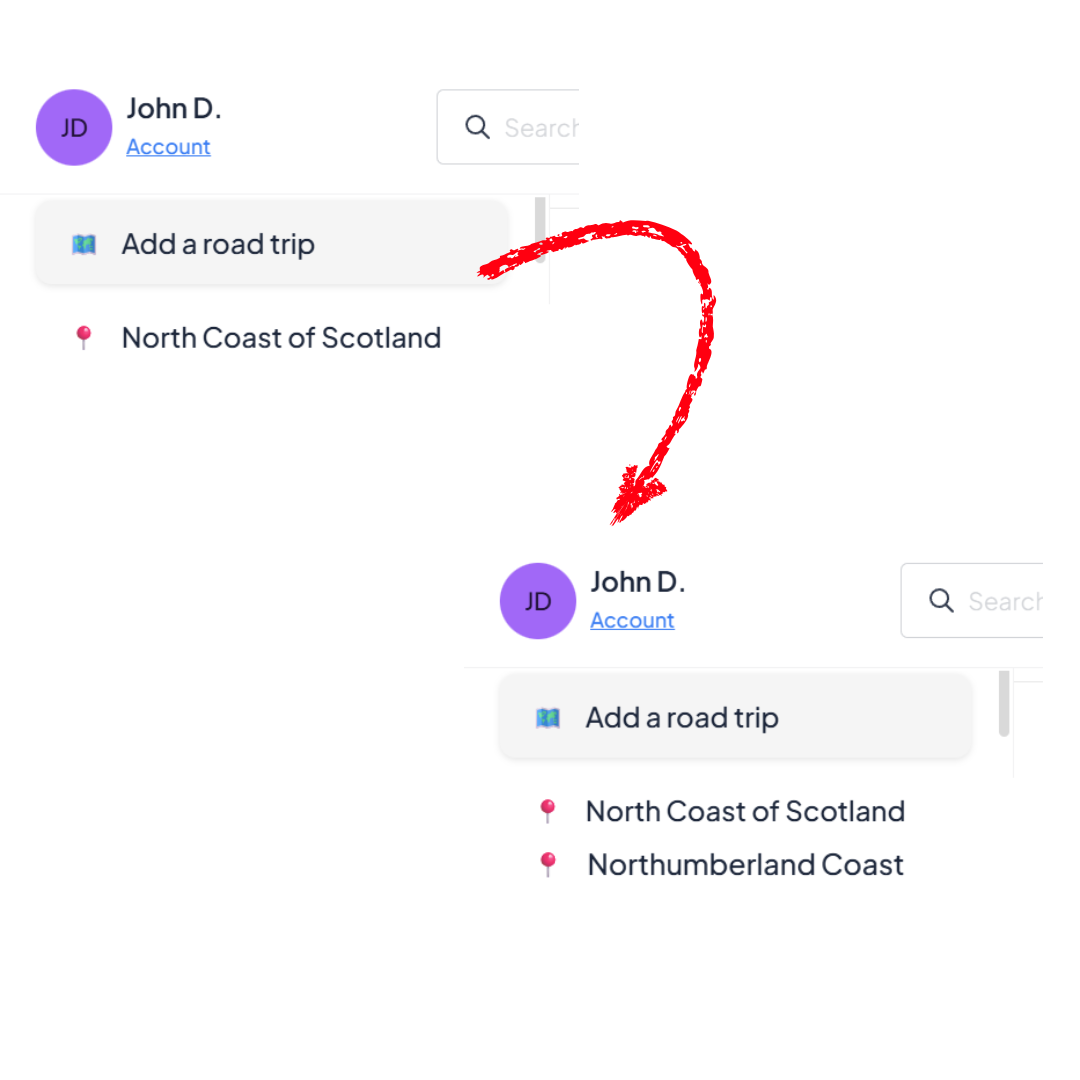
Check the plan selected and complete the payment details.
If you have a voucher code, use it + ADD COUPON
Note: do not access the guide you have already purchased here as this is a shop and you will be charged again. If you have added the guide to your account, access it using the MEMBER MENU. If you have not added the guide to your account and purchased from a third-party website, you MUST CLICK the pesonalised link in your BOOKING CONFIRMATION to add the guide.
Your account profile

Account Panel
“Select Your Account” to Access your Plans, Billing information and Profile
View or cancel plans
Update credit card
View charges history
Edit your profile
Change your password
Log out
Individual guides do not need to be “cancelled”, after 12 months they simply expire and you will lose access to the guide (the account will remain open).
Accounts with no guides attached will be periodically deleted if no new guides are attached within 12 months.